Built for landscapers, pool builders, and exterior remodelers

AI landscape design software that shows clients the after — before you break ground.

Photograph the job site, describe the build, and hand the client a finished view of their own yard in about a minute — with your logo on it, not ours.
250 renders a month Your logo on every image Cancel anytime
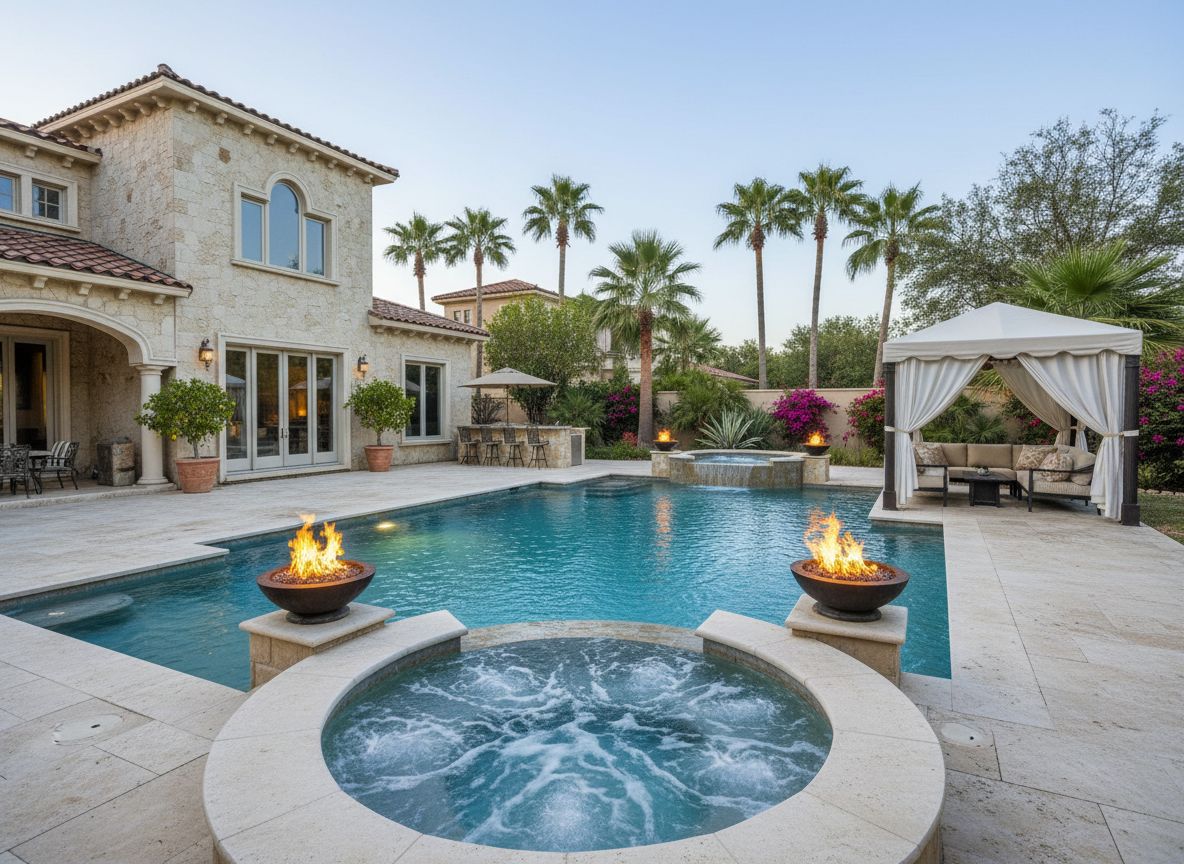
Rendered backyard with a modern pool, stone coping, and planted borders
Whitcomb residence — rear yard Concept 02
Sterling & Oak Landscape
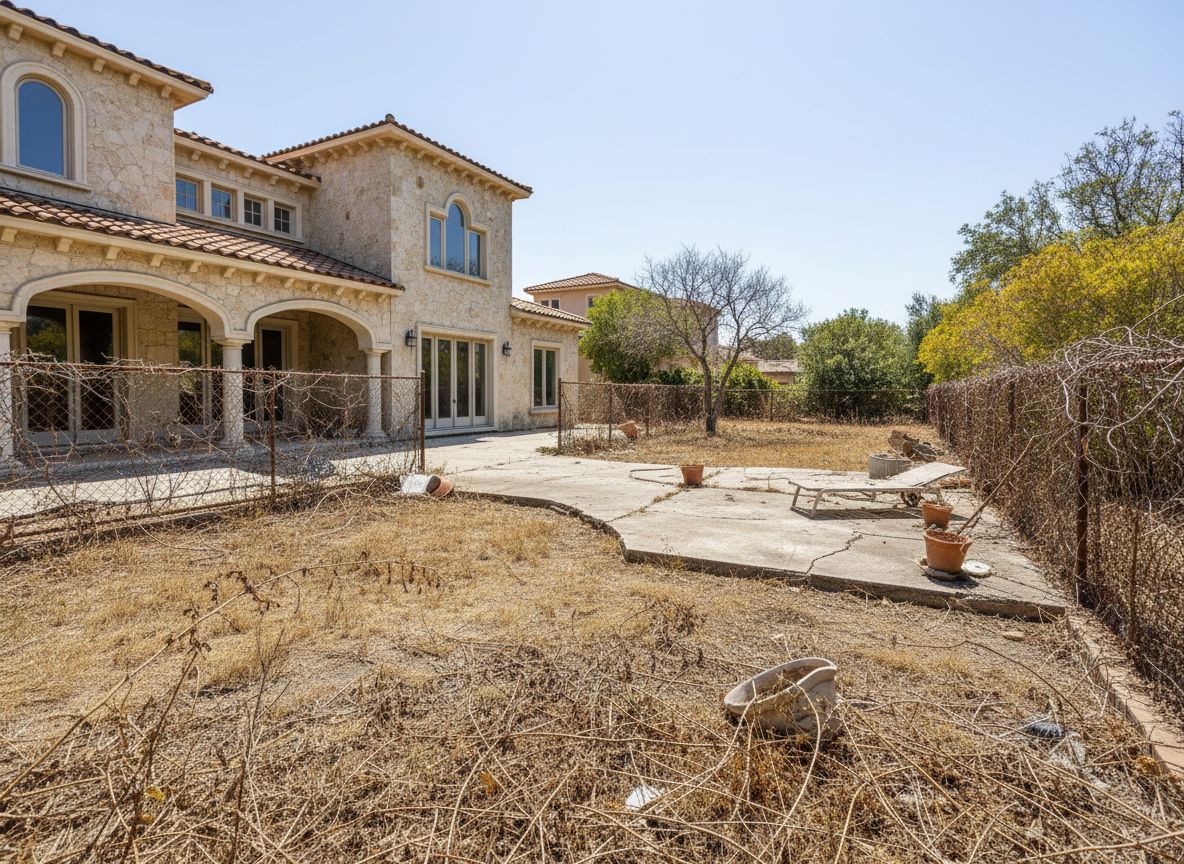
The same backyard before construction: flat lawn and bare fence line Site photo — day 1
Why pros use it Landscapers, garden designers, pool and patio builders, exterior remodelers, realtors and stagers.

Clients don't buy what they can't picture.

You already know the yard works. The client is looking at a bare lawn and a number on a page, and the gap between those two things is where bids go cold. Close it in the driveway, on the first visit.

Close

Sign the job on the first visit

Walk the property, shoot two photos, and show the finished yard before you leave. A decision made in front of the image is a decision you were part of.

Upsell

Sell the bigger version

Render the patio, then render the patio with lighting, a fire feature, and mature planting. Clients approve upgrades they can see far more readily than upgrades they have to imagine.

Save

Stop redrawing for free

No CAD seat, no $400 concept board, no three-day turnaround. Change the prompt, regenerate, resend — revisions cost a credit instead of an afternoon.

How it works Three steps, start to client inbox. Roughly a minute per concept.

Photo in. Client-ready render out.

Nothing to model, nothing to measure. If you can take a photo of the site, you can produce the concept.

STEP 01

Shoot the site

One photo from where the client will stand. Phone camera is fine — grade, fence lines, and the house all stay exactly where they are.
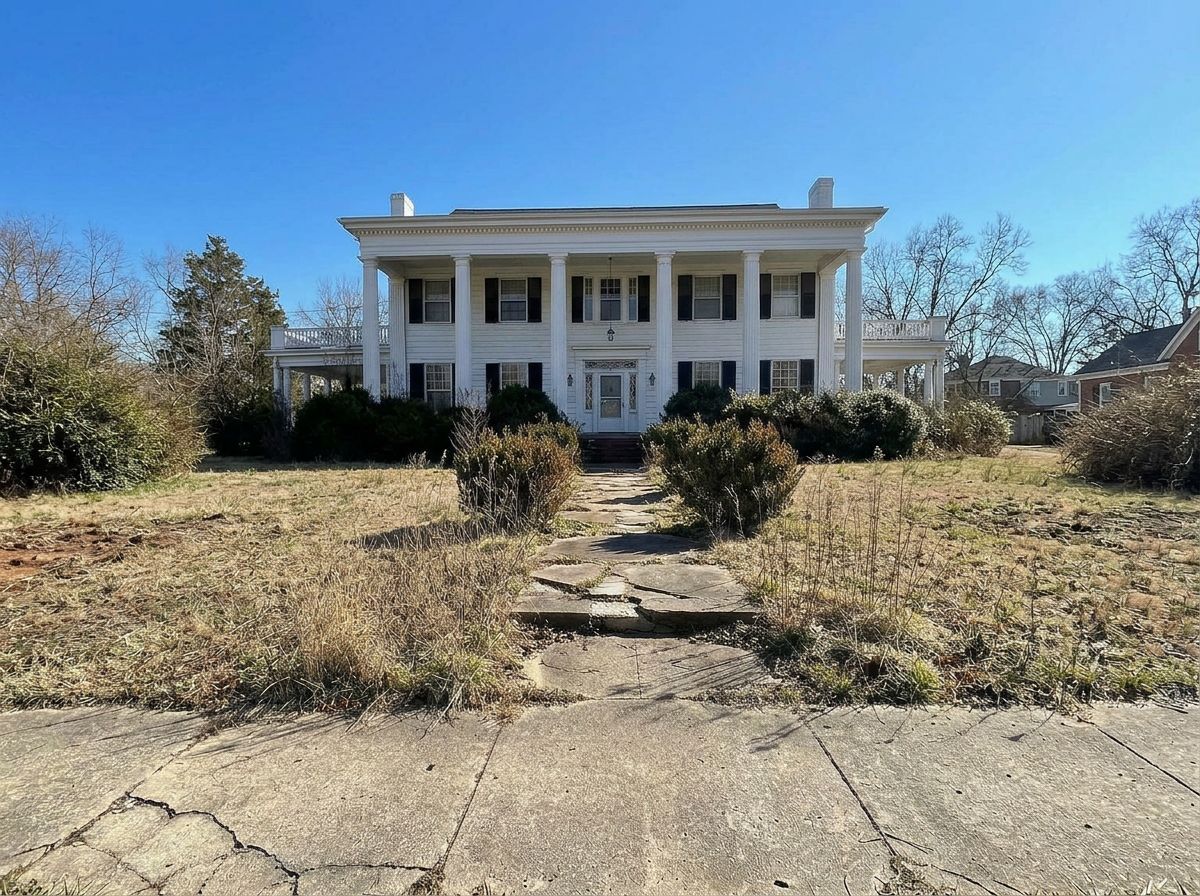
Front yard job site before work, photographed from the street
Site photo
STEP 02

Spec the build

Pick a style preset for speed, or type the scope yourself — materials, planting, hardscape, lighting. The words you'd write on an estimate work here.
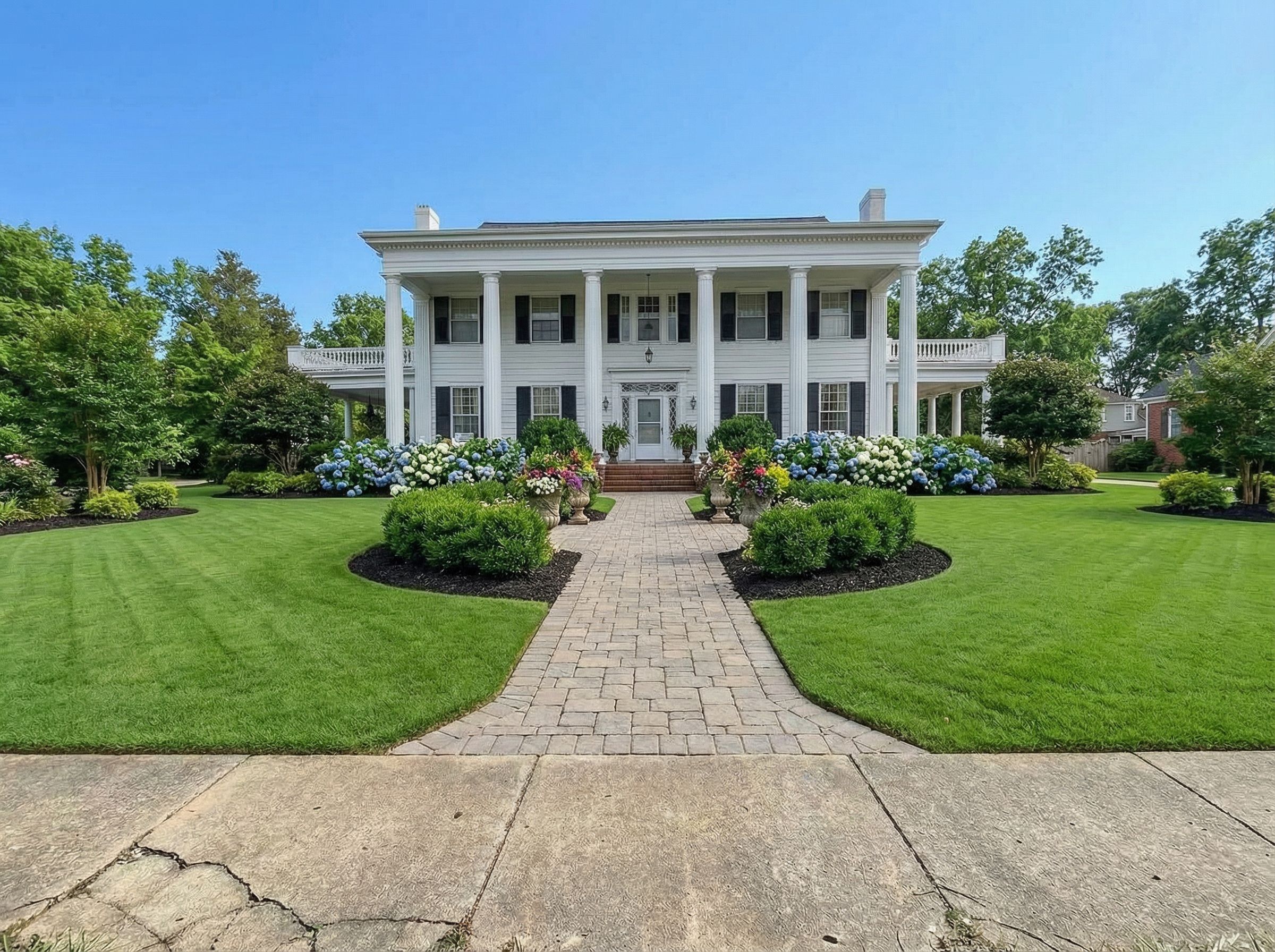
> charcoal paver walk, boxwood
  hedging, uplit japanese maple,
  steel edge beds, dusk light
Rendered front yard with paver walk, hedging, and layered planting
Render — 1 credit
STEP 03

Send it to the client

Generate a share link and text or email it. It opens in their browser, carries your branding, and shows only what you chose to include.
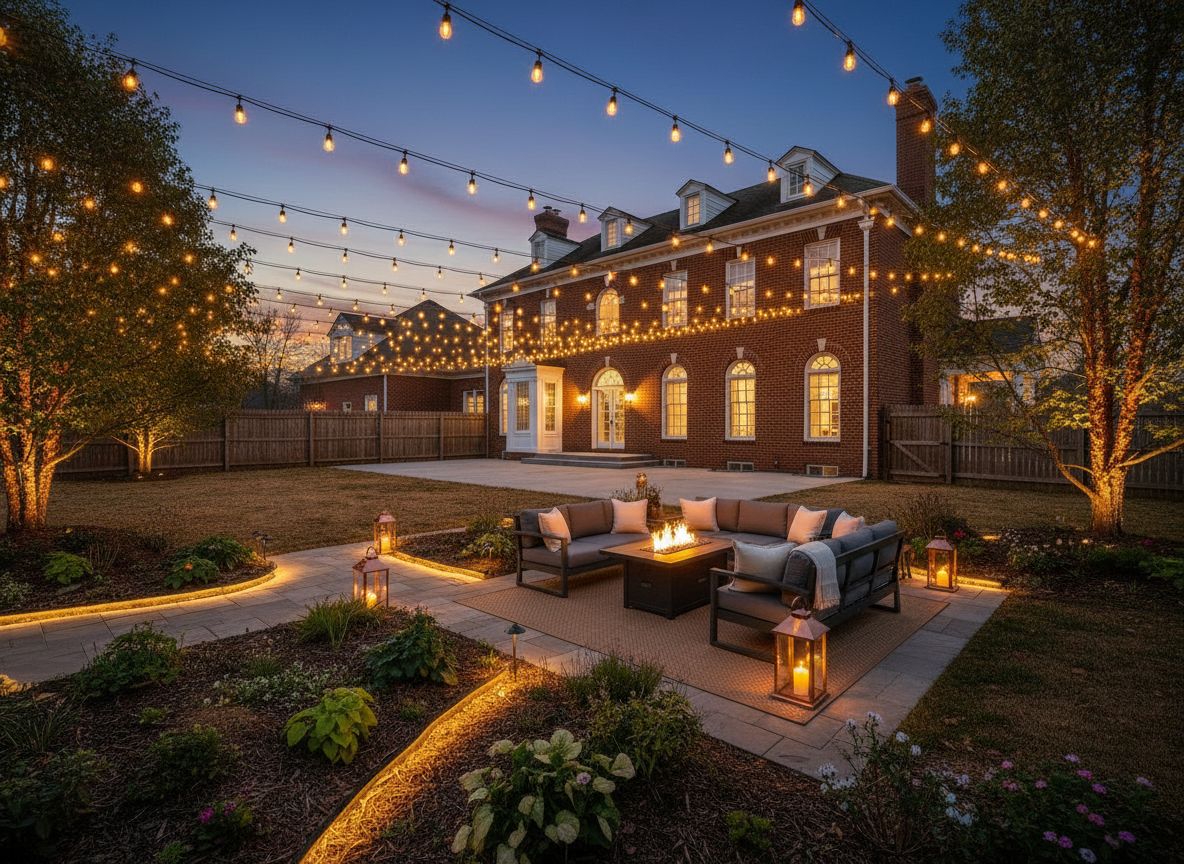
Rendered backyard at dusk with landscape lighting, shared with a client
Client view
White label Included on every plan. No YardRemix branding anywhere the client can see.

Your logo on every render.

Upload your mark once. It's stamped into every image you generate and every page your client opens. The work looks like it came out of your studio, because it did.
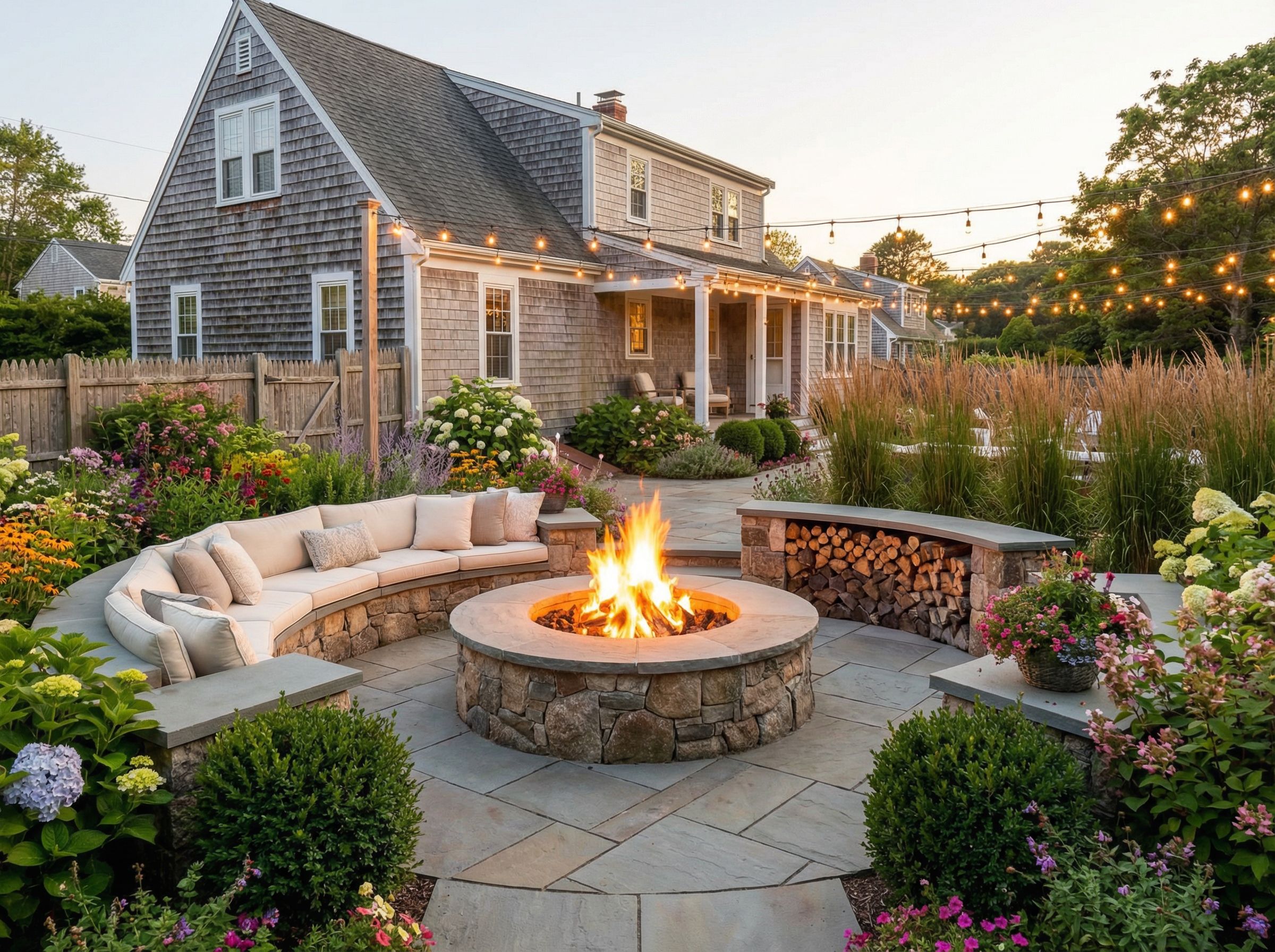
  • Your watermark, not oursYour logo sits in the corner of the render at the size and position you set. Nothing else is added.
  • Your name on the share pageCompany name, logo, and accent color carry through to the client view, including the browser tab.
  • Nothing points back to usNo YardRemix badge, no "made with" line, no link inviting your client to go do it themselves.
  • Ready for the proposalDownload at full resolution and drop the render straight into a bid, a contract, or an ad.
sterlingoak.link/whitcomb-rear-yard
Sterling & Oak Landscape Concept for the Whitcomb residence
Client share view showing a rendered backyard with a fire pit and seating Sterling & Oak Landscape

Rear yard, view from the kitchen door. Bluestone patio, gas fire feature, and layered evergreen screening along the north fence.

Looks greatAsk for a change
Sterling & Oak Landscape Co. — Est. 2009

What your client sees. No app, no login, no sign of us.

Client share links Read-only. Nothing to install on either side of the conversation.

Send a link. They open it in the driveway.

Every render can become a read-only page you text or email. Your client taps it and sees their yard — on the phone already in their hand.

Pricing Credits refresh on the first of your billing month. Cancel anytime.

One closed job pays for the year.

Both plans include white-label branding, unlimited share links, full-resolution downloads, and commercial rights. The difference is how many renders you make.

Pro

Most crews
$99/ month
250 renders / month $0.40 each
  • Your logo watermarked on every render
  • Unlimited client share links
  • Style presets and your own written prompts
  • Full-resolution downloads for proposals
  • Commercial use included
  • Email support, next business day
Start with Pro

Cancel anytime. Credits refresh monthly.

Studio

Multi-crew
$249/ month
750 renders / month $0.33 each
  • Everything in Pro
  • 3× the monthly renders
  • Seats for your sales crew
  • Shared job library across the team
  • Priority render queue in peak season
  • Priority support
Start with Studio

Cancel anytime. Credits refresh monthly.

Cost per render
Consumer app $0.65 Pro $0.40 Studio $0.33
Questions Still unsure? Write to us and a person answers.

The things pros ask first.

Who owns the images I generate?

You do. Every render you create on a Pro or Studio plan is yours — put it in proposals, bids, paid ads, your website, or your portfolio. We don't claim rights to your work and we don't resell it.

Do my clients need to download the app?

No. A share link opens in any browser on any phone. There is nothing for the client to install and no account for them to create — they tap the link and see the render.

What counts as a credit?

One credit is one generated render. Viewing, downloading, sharing, and re-sending an image you already made are all free. Credits refresh at the start of each billing month.

Can I use my own prompts?

Yes. Presets are there for speed, but you can write the spec yourself — paver pattern, plant list, retaining wall material, lighting temperature, time of day. Describe it the way you'd describe it to a foreman.

Is commercial use allowed?

Yes. Pro and Studio are licensed for commercial use, including client proposals, printed marketing, paid advertising, and your own site. That is what these plans are for.

What if I run out of renders mid-month?

Move up to Studio at any time and the additional credits are available immediately; we prorate the change. If a big month was a one-off, drop back down the following month.

Start today

Your next estimate could arrive with a picture of the finished yard.

Set up your branding in a few minutes and send your first client link before the end of the day.

From the YardRemix blog

What your clients are reading before they call you.

These are the guides homeowners land on when they start thinking about the work. Worth knowing what they've already decided by the time you show up.